Assigning WiFi settings on the tablet
- Switch the welding current source on.
- Switch the Android tablet version 12 or higher on.
- Download the operating app from https://www.binzel-abicor.com/DE/eng/products/robotic-systems/robot-power-source/power-sources-for-robot-welding/ or scan the adjacent QR code. Contact ABICOR BINZEL Service if necessary.

- Install the operating app <iROB® POWER App> 5.0.0 on the tablet.
- Open the WiFi settings on the tablet.
- Select the assigned SSID (test_test_test in the example).
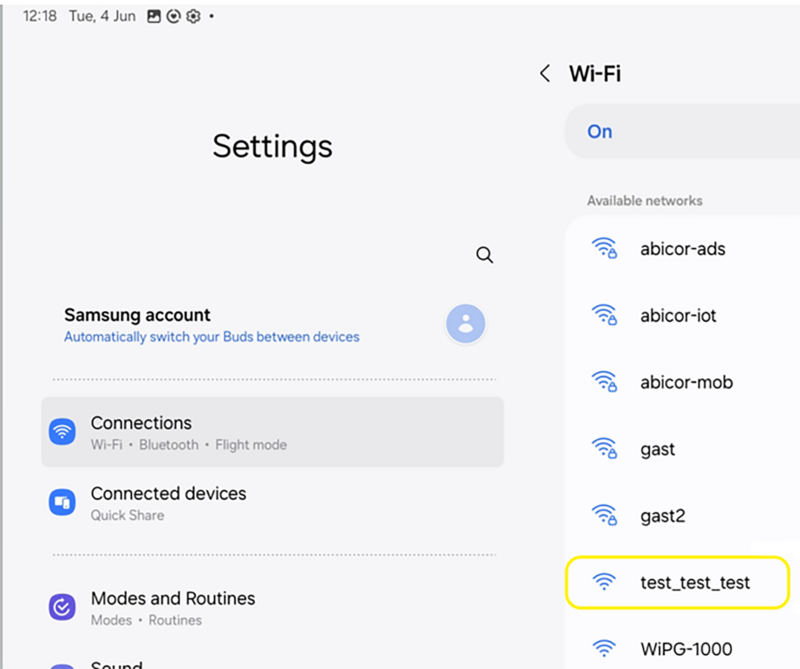
- Wait until the connection with the network has been set up.

- Select <Always connect> in the pop-up menu.
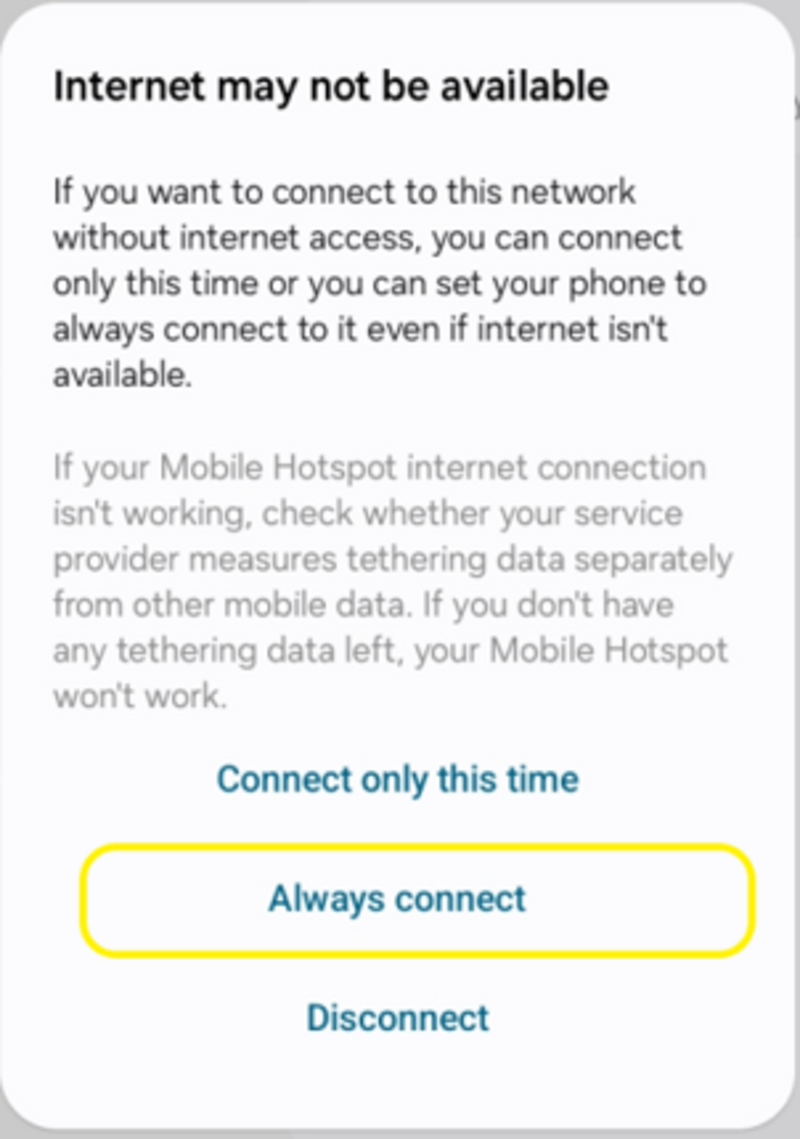
- Select the gearwheel icon.

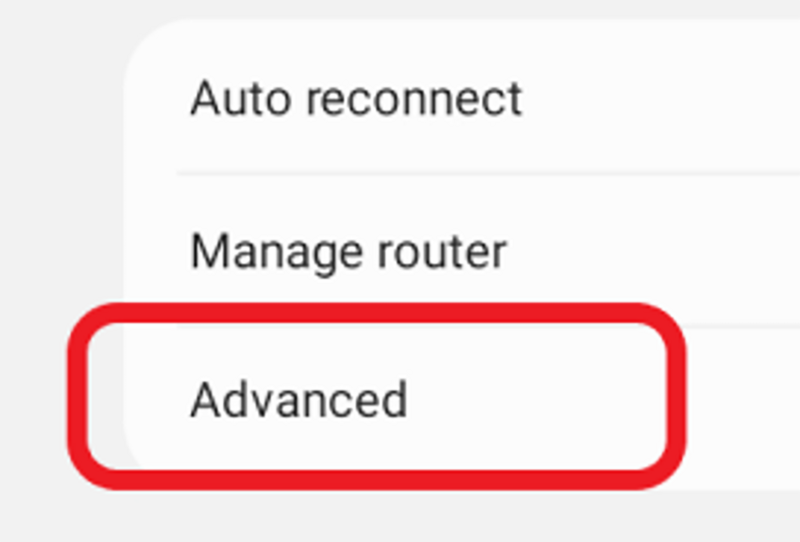
- Select <Advanced> in the settings.
- Enter the WiFi settings as follows.
IP settings static
IP address: 192.168.88.100
Gateway: 192.168.88.1
Prefix length: 24
DNS1: 8.8.8.8
DNS2: 8.8.4.4
Proxy: Without
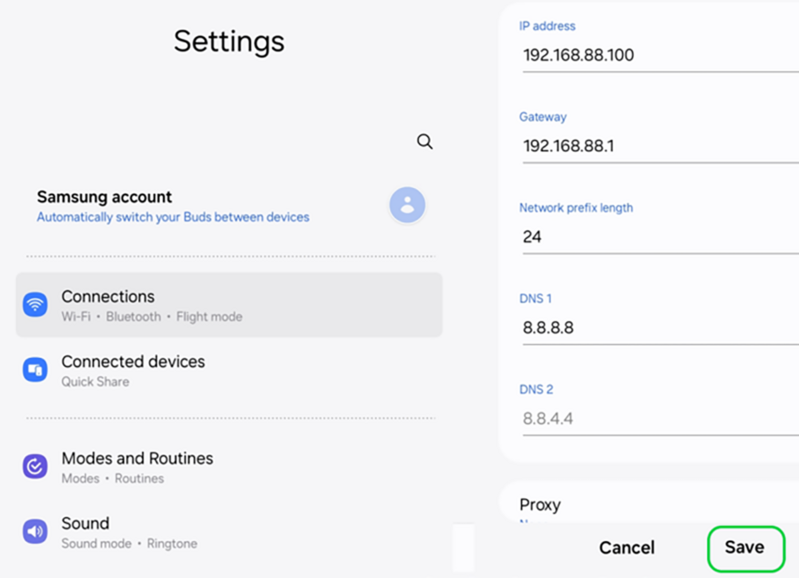
- Save the settings with <Safe> .